Short answer
A demo account is a practice trading account funded with virtual money. Its prices follow the broker's live market, so you can learn the platform, test position sizes and follow a plan without risking your own money. It can't show you how you'll react to real losses, or how deposits and withdrawals work.
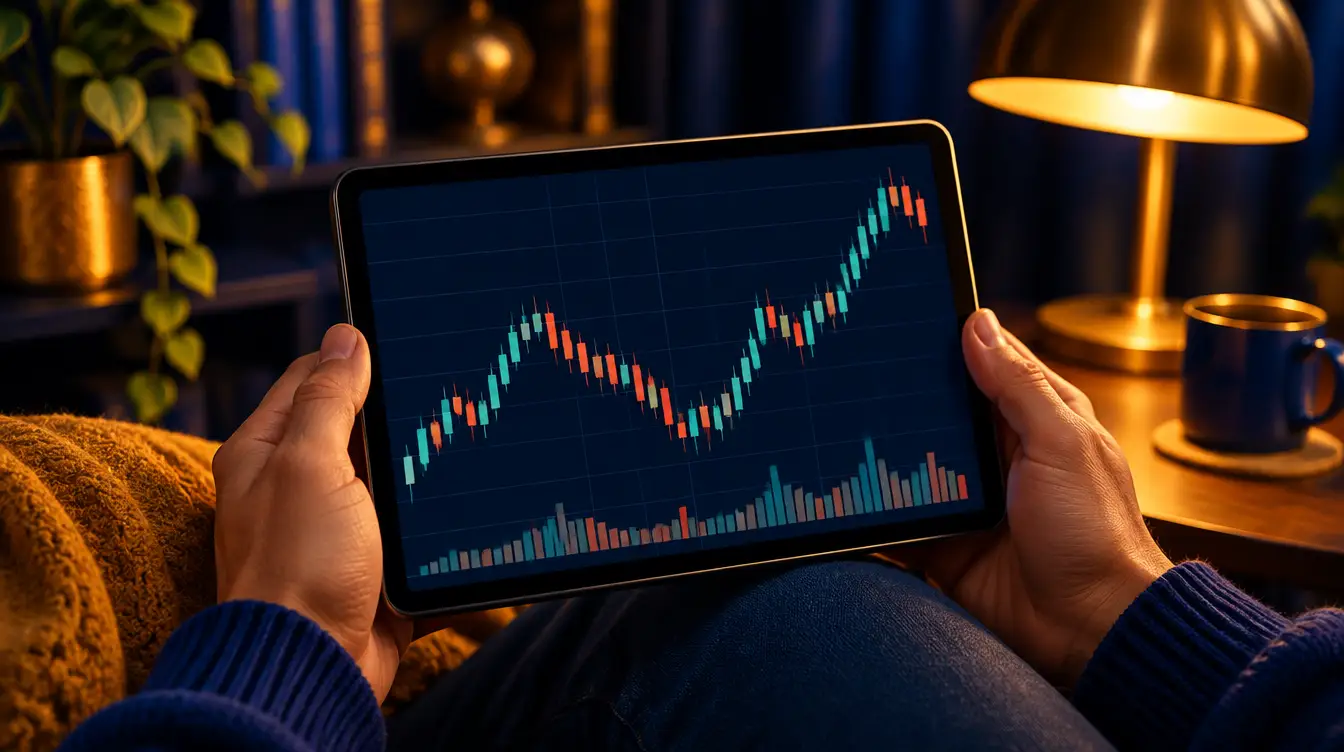
How to read a candlestick
On this page
Steps
-
Pick the broker and platform you'd use live
Practise on the same platform, such as MetaTrader 5 or the broker's own app, that you plan to use with real money, so the buttons and order types are already familiar.
-
Register and open a demo account
Create a profile with your email address, then choose to open a demo account and the account type you'd use live.
-
Set a realistic virtual balance
If the platform lets you choose, set the balance close to the amount you plan to deposit. If you plan to start with the equivalent of USD 50, practise with USD 50, not USD 10,000.
-
Match the leverage you'd use live
Use the same leverage setting you'd choose for a real account, so margin and stop-out behaviour match what you'll see later.
-
Log in and find your instruments
Log in to the platform with the demo login, add the pairs you want to practise to the market list, and open the symbol specification to see contract size and trading hours.
-
Trade to a written plan and keep a journal
Write your rules before each session and record every trade. Aim for at least 20 to 30 trades under the same rules before you judge the results.
What a demo account is
A demo account works like a real trading account, but the money in it is virtual. You see the broker’s prices, place orders, set stop losses and watch your equity rise and fall, without depositing anything.
Brokers offer demos so you can learn their platform before you fund an account. For a beginner in Nigeria, Kenya or South Africa, it is the cheapest way to make the mistakes every new trader makes, such as entering the wrong lot size or placing a stop on the wrong side of the price, while they cost nothing.
What a demo can teach you
- The platform. How to open and close trades, set and move a stop loss and take profit, and place pending orders.
- Position sizing. What 0.01, 0.10 and 1.00 lots feel like on EURUSD and on gold, and how fast a gold position moves compared with a currency pair. See what is a lot.
- Margin. How used margin, free margin and margin level change as the price moves. See leverage and margin.
- Sessions. When the market is busy and when spreads widen in your time zone. See forex trading hours.
- Your plan. Can you follow your own rules trade after trade?
What a demo can’t teach you
- How you react to real losses. Losing virtual money doesn’t feel like losing your own. Many people trade calmly on demo and then close winners too early or move stops on a live account.
- Real execution. Demo orders may be filled more smoothly than real ones, especially around news, so slippage on a live account can be worse.
- Deposits and withdrawals. A demo can’t show you how a broker’s payment methods, fees or processing times work for your country.
So treat demo results as a test of skill and discipline, not as a forecast of what you’ll make or lose live.
Set it up like your real account
The most common demo mistake is practising with a balance you’ll never have. A USD 10,000 virtual balance makes a 0.50-lot position feel normal; on a USD 50 account, the same size could wipe you out in minutes.
- Balance: convert the naira, shillings or rand you plan to deposit into US dollars and use that figure. If the platform doesn’t let you choose, set a personal limit and size trades as if that were your balance.
- Leverage: use the setting you’d use live.
- Account type: practise on the type you plan to open, because spreads and commissions differ between types.
A simple 30-trade practice plan
- Write three rules before you start: when you enter, where your stop loss goes, and the most you’ll risk on one trade (for example, 1% of the balance).
- Size every trade from your stop with the lot size calculator.
- Record each trade: date, time, pair, direction, size, entry, stop, exit, result, and if you followed your rules.
- Stop after 30 trades and review. Count how many trades broke a rule. Look at what the losers had in common.
- Change one thing at a time, then run another 30 trades.
The aim is a record of trades taken under fixed rules, not a big virtual balance. One huge winning trade on a demo usually means the size was too big.
When to move to a live account
Consider moving to real money when:
- you have followed your rules on at least 20 to 30 demo trades in a row;
- you size every position from your stop loss without thinking twice;
- you understand what a margin call and stop out are, and you’ve never come close to one on demo;
- the money you’ll deposit is money you can afford to lose.
Many traders take an in-between step: a cent account, where positions can be 100 times smaller than on a standard account. It lets you feel the pressure of real money while the amounts stay tiny.
Demo accounts on Exness
Exness, our recommended broker, offers demo accounts for every account type except Standard Cent, according to its own information. If you want to practise very small real-money trades there, the Standard Cent account is the step after a demo. Our guide to opening an Exness account covers registration.
Keep your demo login private
Nobody needs your login details to “help” you on a demo or a live account. Be wary of anyone who asks for them, or who says a demo result proves they can trade your real money for you. A demo is free practice, and the learning only counts if you do it yourself.
Common questions
Is a forex demo account free?
Yes. A demo account uses virtual money, so you don't deposit anything to open or use one.
Can I withdraw money from a demo account?
No. The balance is virtual. You can't withdraw it, and gains on a demo don't turn into real money.
How long should I trade on a demo account?
There's no fixed period. A sensible test is that you've followed a written plan for 20 to 30 trades in a row, sized every position from your stop loss, and can explain each loss. When you can, consider moving to a small live or cent account.
Can I start forex trading without money?
You can learn without money on a demo account. To trade for real you need to deposit, and only money you can afford to lose.
Does Exness have a demo account?
Yes. Exness offers demo accounts for every account type except Standard Cent. To practise very small real-money sizes there, the Standard Cent account itself is the option.